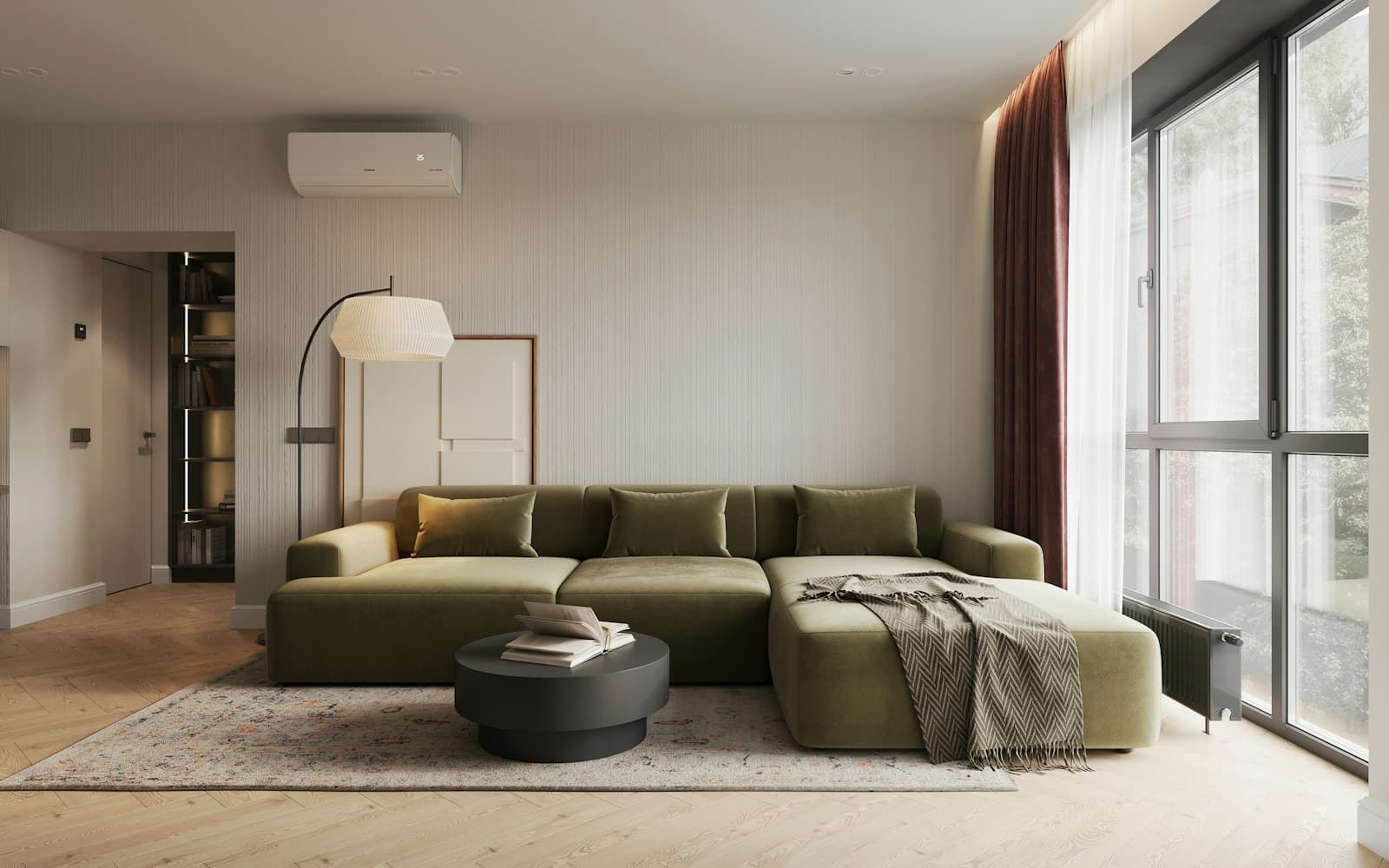
The same bedroom label can hide a very different apartment. In Creek Harbour, start with the exact building and usable layout before comparing the asking rent.
Normalise the name without losing the location
Match Creek Harbour aliases, then keep the pocket field
“Creek Harbour”, “Dubai Creek Harbour” and the portal label “Dubai Creek Harbour (The Lagoons)” can describe the wider community. Record the original label alongside your standard one. Preserve Creek Beach as a separate pocket, and do not silently assign nearby Ras Al Khor listings or an unidentified building to Creek Island.
Compare annual apartments with known bedrooms and size
Keep villas, short stays and unclear lease periods apart. Record the stated area rather than estimating from photographs. The Creek Harbour snapshot gives a dated set of annual apartment records and makes its sample limits explicit.
Read the floor plan as a home
Note balcony, storage, floor, view, furniture and parking
Ask for the exact unit plan. Check where a bed, dining table, pushchair or work desk would fit and whether the advertised area includes a large balcony. Record floor and view only when stated or confirmed, and retain “not stated” for missing information. An attractive view does not compensate for a layout that cannot hold your household’s essentials.
Separate Creek Beach from confirmed island records
Use the location field and a checked building pin to establish the pocket. For a pocket-level table, count only records you can confidently place. Leave uncertain buildings in an unclassified group instead of assigning them from a name that sounds waterside. Comparing a small beach subset with the entire community needs an explicit label.
Screen the adverts before calculating
Flag possible duplicates and unusual prices for review
Compare building, area, bedrooms, photos and brokerage. Do not delete a high price merely because it raises the average; a duplex or a different unit type may explain it. Keep a reason for every exclusion. Our snapshot screens repeated URLs and matching key fields conservatively, but cannot certify every remaining advert as a unique home.
Keep missing fields unknown and report the usable count
A table of floor levels may use fewer records than a table of rents. State the count relevant to each claim. Do not infer furniture from photographs or fill a blank cheque count with the most common local pattern. Missing information becomes a question for the agent, not synthetic data.
Ask about the actual offer before relying on an average
Confirm cooling, availability and payment terms for the tower
Request the exact unit’s move-in date, annual rent, cheque schedule, parking and cooling arrangement. Confirm what facilities are operating. A sample median is a search aid; the written unit-specific offer is what you would be accepting.
Keep asking rents distinct from completed tenancies
Bayut and Property Finder adverts show what is requested, not necessarily what is agreed. Retain date and source with every comparison. Once you have two or three realistic options, plan the viewing route so you can examine both the apartments and their daily surroundings.
Opening hours, prices and entry rules change. Confirm with the venue before you set off.